
iOS · Live

BunkPlanner

See how many classes you can miss and still stay above the minimum your college sets.

Current App Store version 1.7.6. The store name is Bunk Planner: Attendance Track.

Download on the App Store
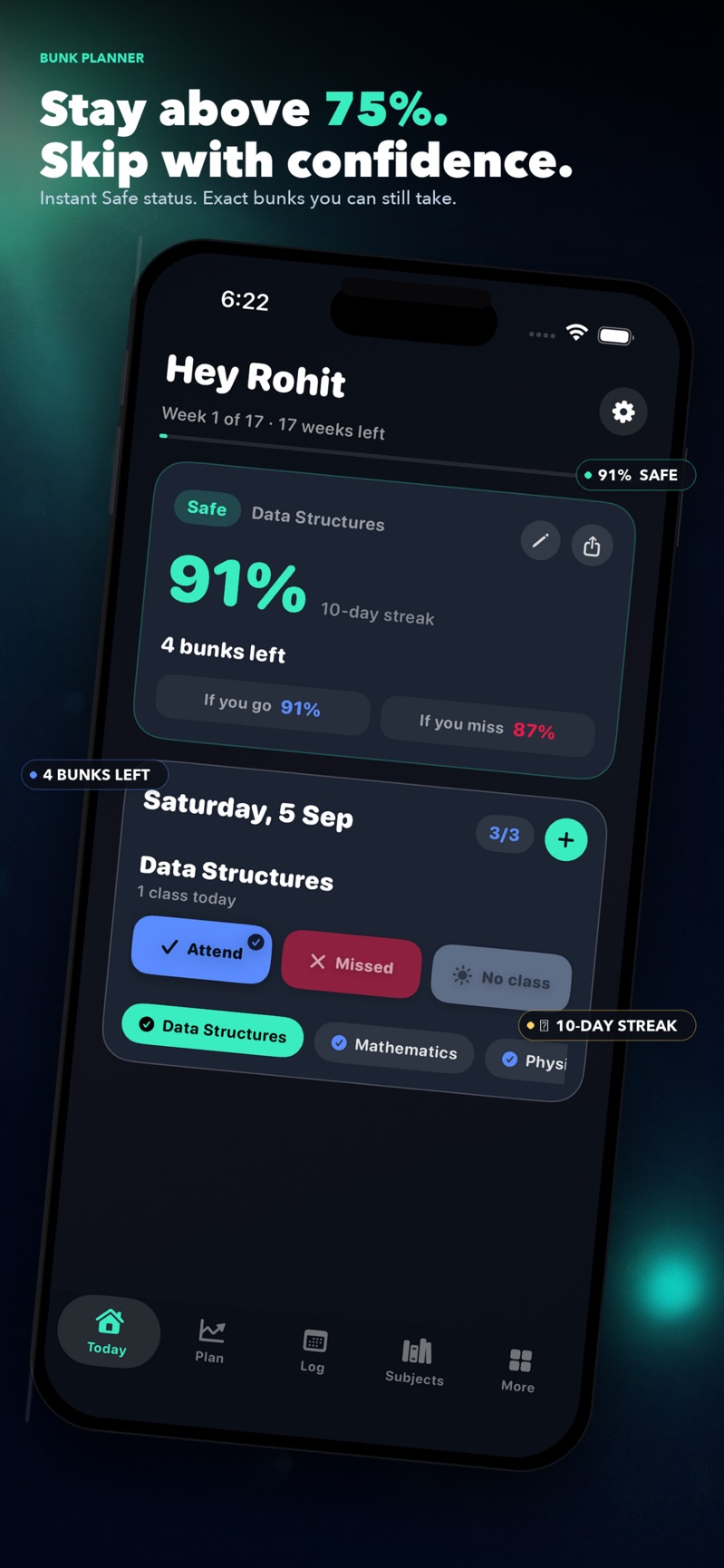
BunkPlanner Today screen showing Data Structures at 91 percent, marked Safe, with 4 bunks left, and buttons for Attend, Missed, and No class.
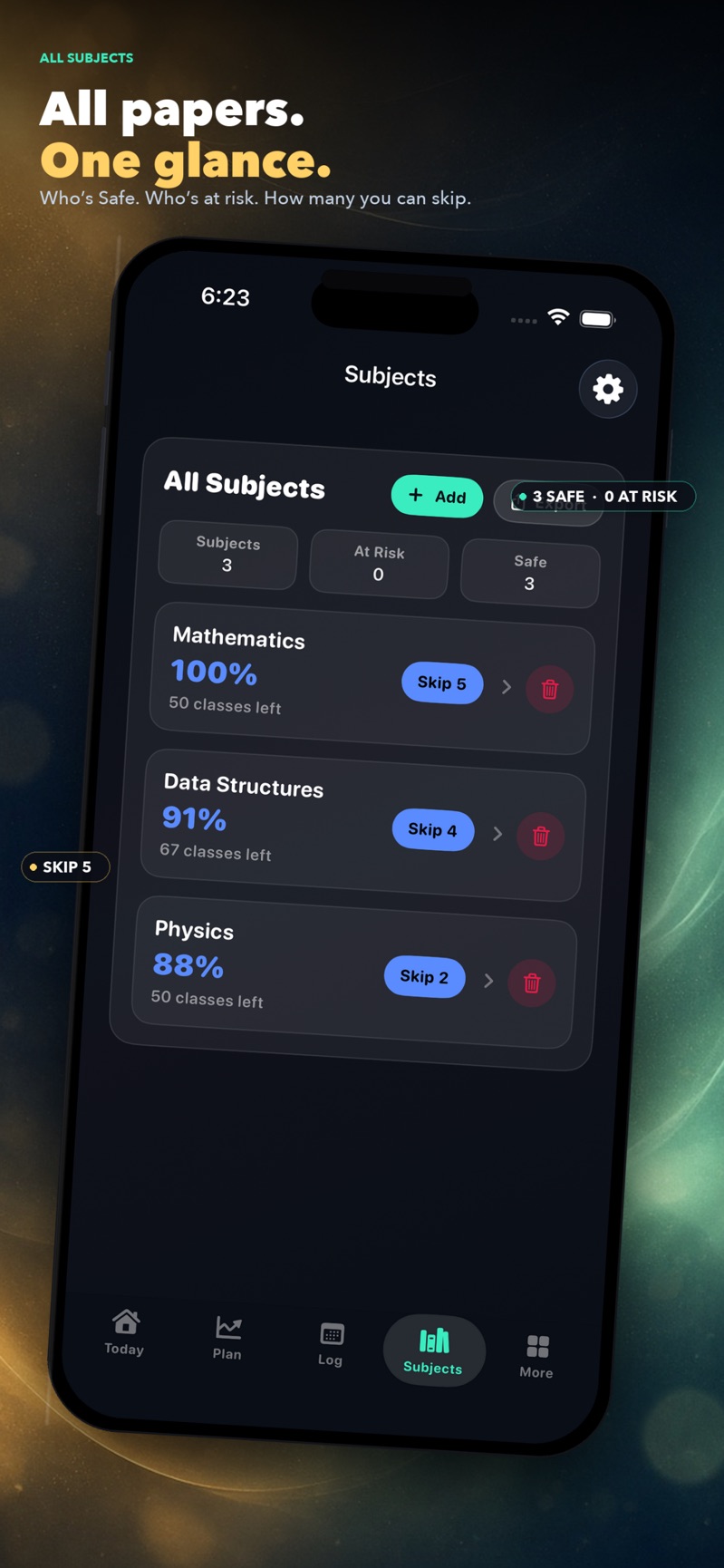
BunkPlanner Subjects screen listing Mathematics at 100 percent, Data Structures at 91 percent, and Physics at 88 percent, each with a skip count.
Subjects is the list of papers, and how many classes each one can still spare.
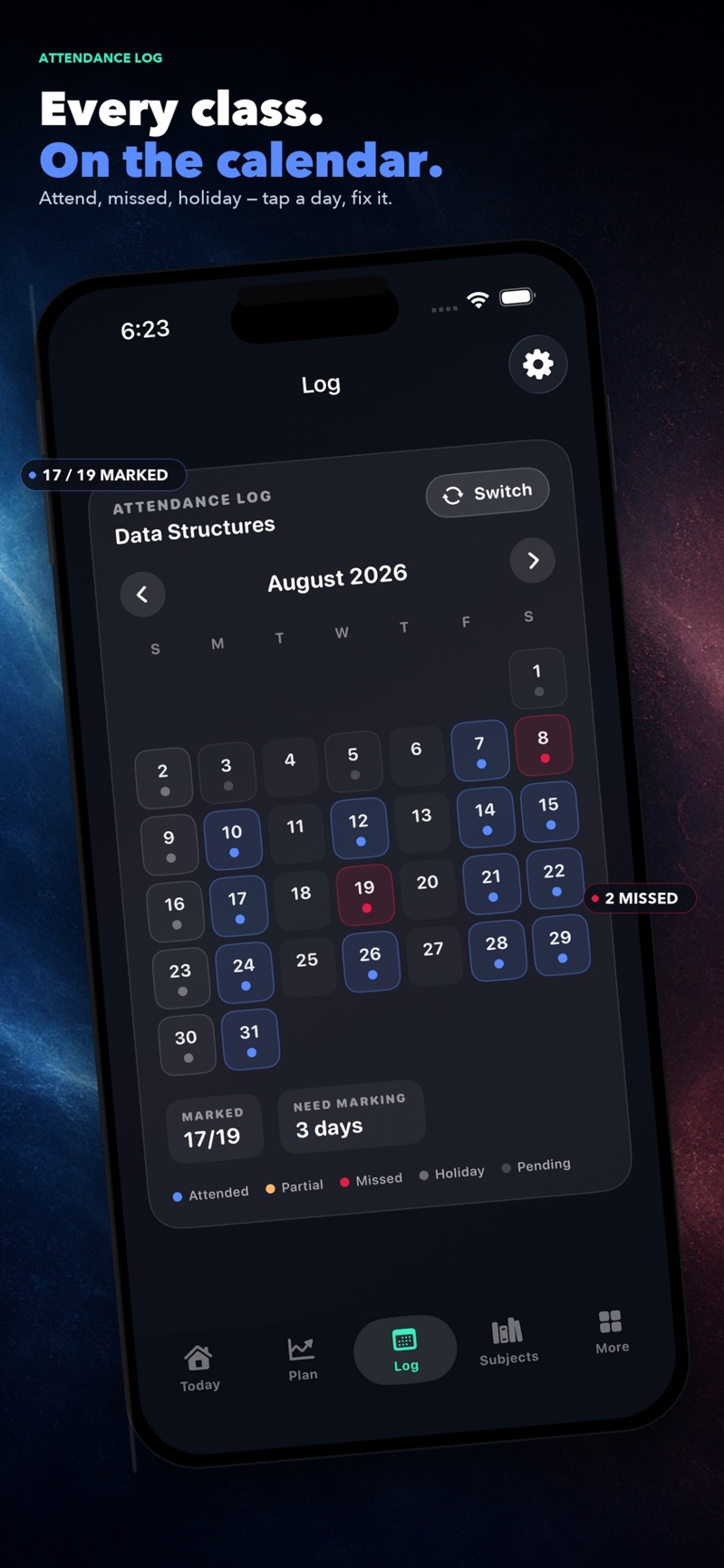
BunkPlanner Log screen with an August 2026 calendar. Attended days are blue and missed days are red. 17 of 19 days are marked.
Log is the calendar, so a missed class is a day you can point at, not a number you have to remember.

What it does

  • Mark today in a few taps.Log Attend, Missed, or No class for each subject. The percentage updates on the same screen.
  • See how many you can skip.Each subject shows how many more classes you can miss and still stay above the minimum.
  • Use your college's number.Set the minimum your college asks for. Presets cover 75%, 80%, and 85%.
  • Know before it's a problem.A subject close to the line is marked Warning, so you can see it before the semester runs out.
  • Grades sit next to attendance.Track a 10-point CGPA, a 4.0 GPA, or UK module marks, depending on the system your college uses.
  • No account for the attendance record.Core attendance stays on your phone and works offline. The free app includes ads. Pro is a one-time purchase.

Built with

  • SwiftUI
  • iOS

Native iPhone and iPad app. Apple lists it for iOS 17 and iPadOS 17. It is not a Mac app.

Build something like this with us →